The Complete Guide to MidJourney Skin Tokens
Texture, complexion, and finish — what actually works, what doesn’t, and why
Texture Tokens
I tested three commonly used tokens for achieving realistic skin texture. My hypothesis? Each would produce slightly different results.
I was wrong.
The Results
Different tokens. Nearly identical output.
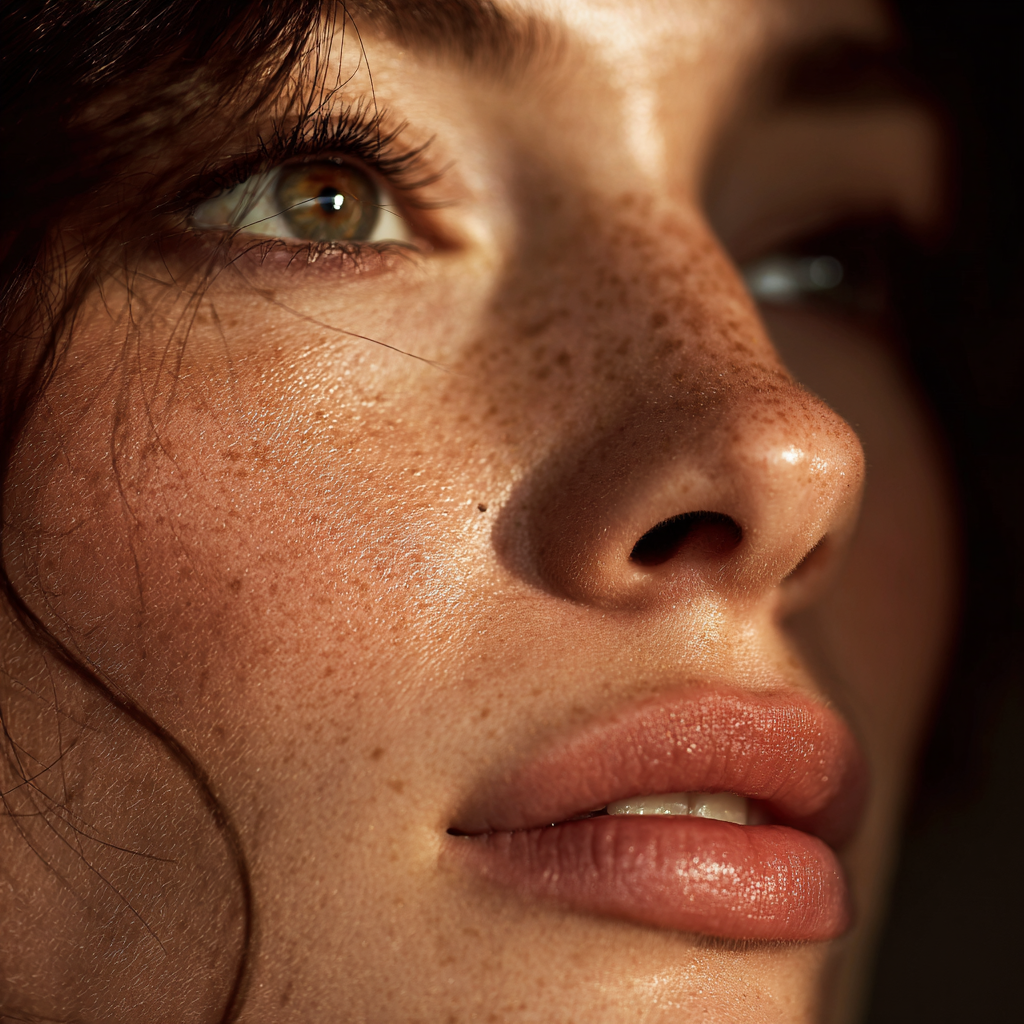 micro-detail pores
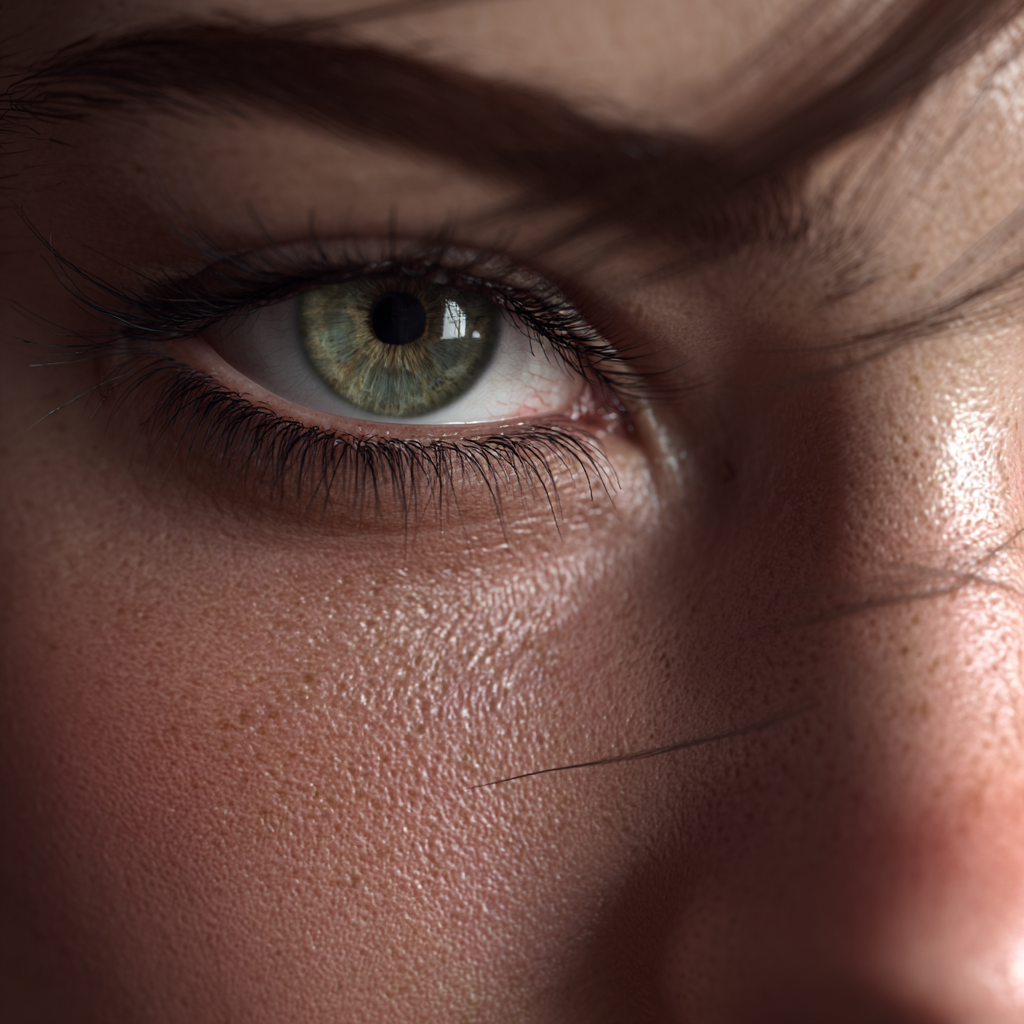 ultra-realistic skin texture
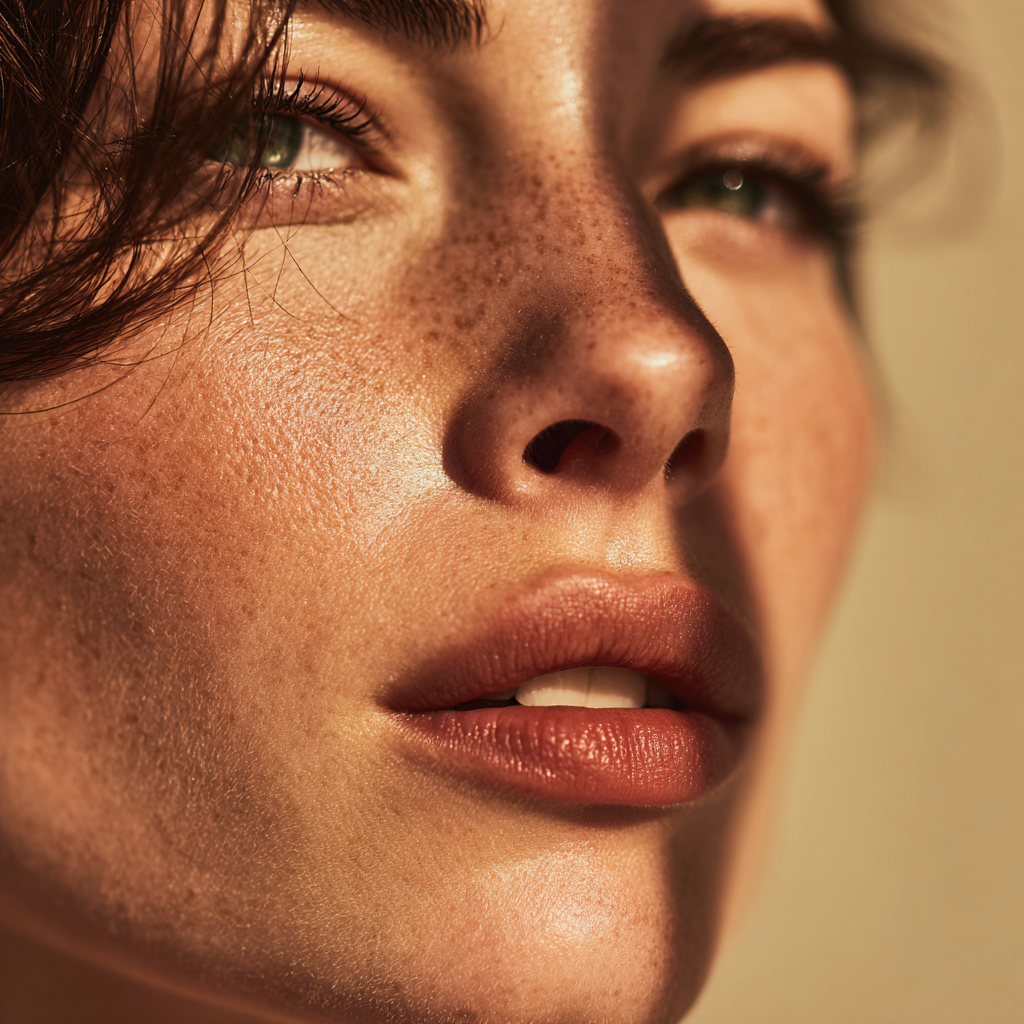
.png) visible pore texture
visible pore texture
Each one delivered:
- Clearly visible individual pores
- Natural skin grain
- Realistic texture you could almost feel
- Freckles. Lots of freckles.
Key Finding
MidJourney treats all three tokens as the same instruction: “Make this skin look real.”
You’re wasting prompt space if you write:
ultra-realistic skin texture, visible pore texture, micro-detail pores
You only need one of them.
The Freckle Problem
MidJourney bundles freckles with realistic skin texture. In its training data, “realistic skin” equals skin with natural variations — freckles, moles, subtle marks.
This creates a limitation. You currently cannot reliably get:
// They’re a package deal.
Complexion Tokens
Texture and complexion are separate dials. Here’s what actually works for controlling skin tone:
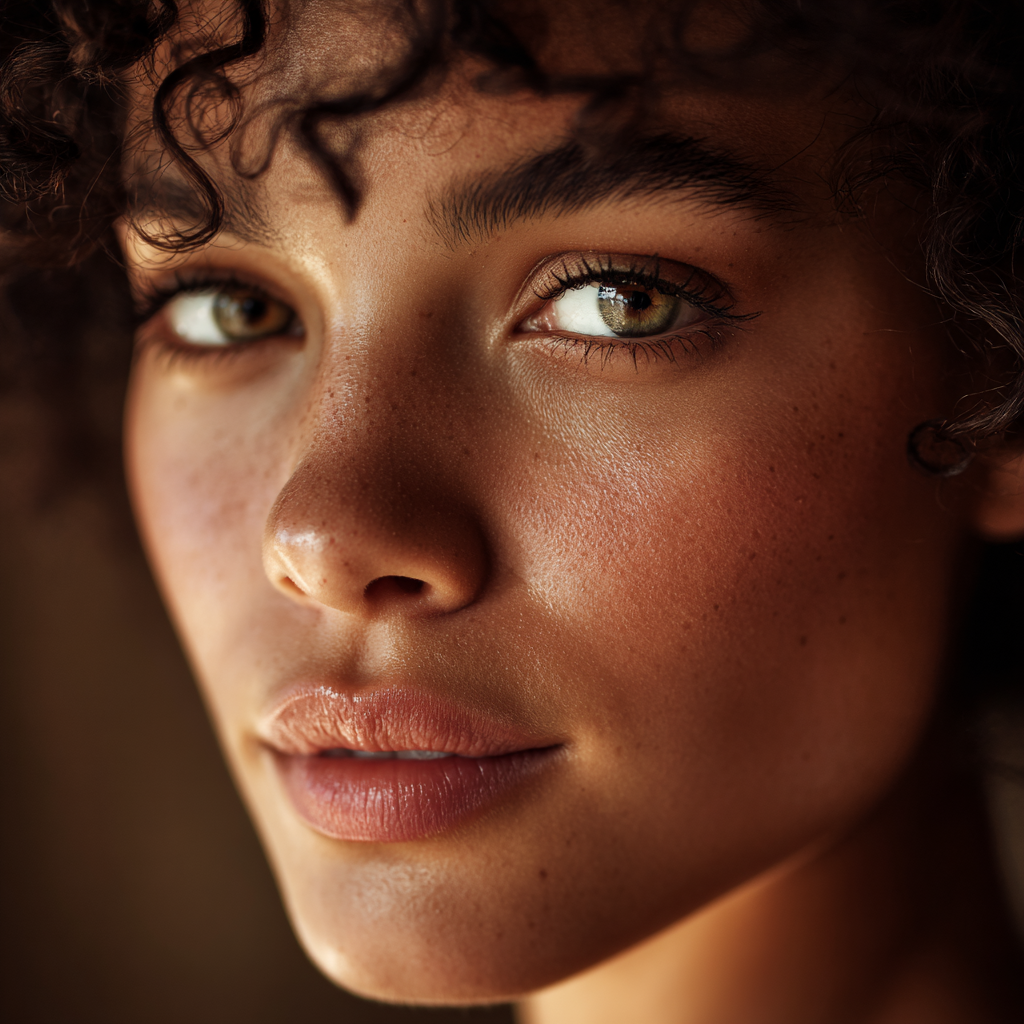

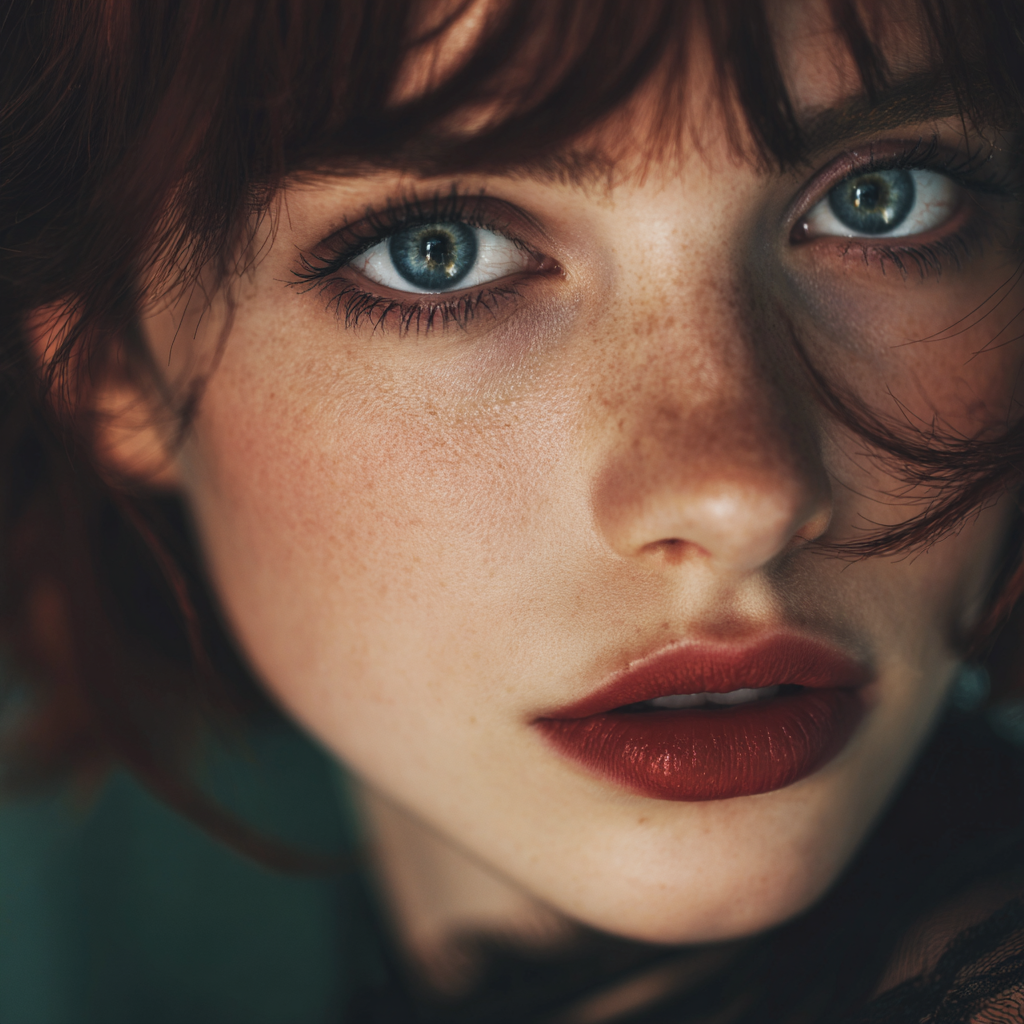
olive complexion — Golden-green undertones, tan, Mediterranean skin. Works reliably.
creamy skin tones — Smooth, soft, warm, polished finish. Controls quality + warmth.
sun-kissed skin — Golden, warm, naturally tanned glow. Summer, outdoor vibes.
cool undertones — Weak token. MJ shifts the lighting/mood instead of actual skin tone.
Finish Tokens
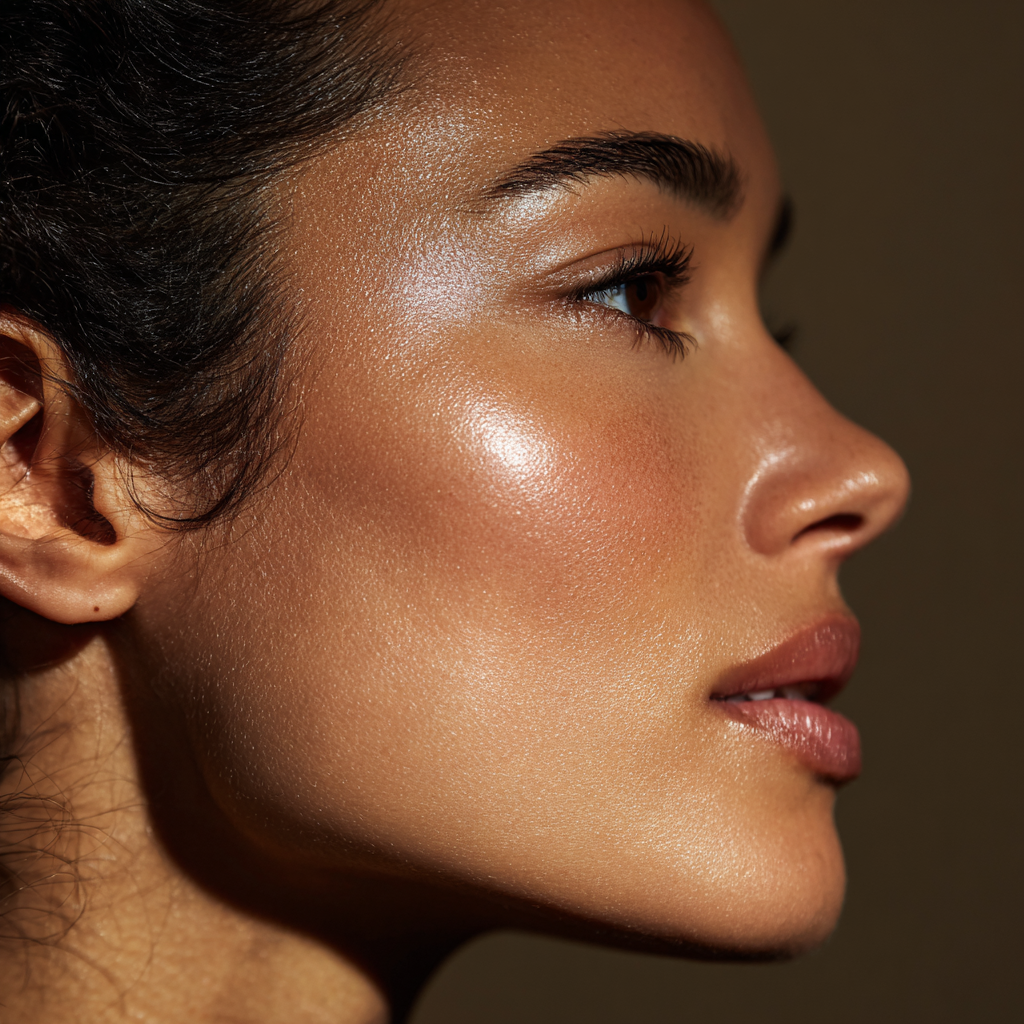
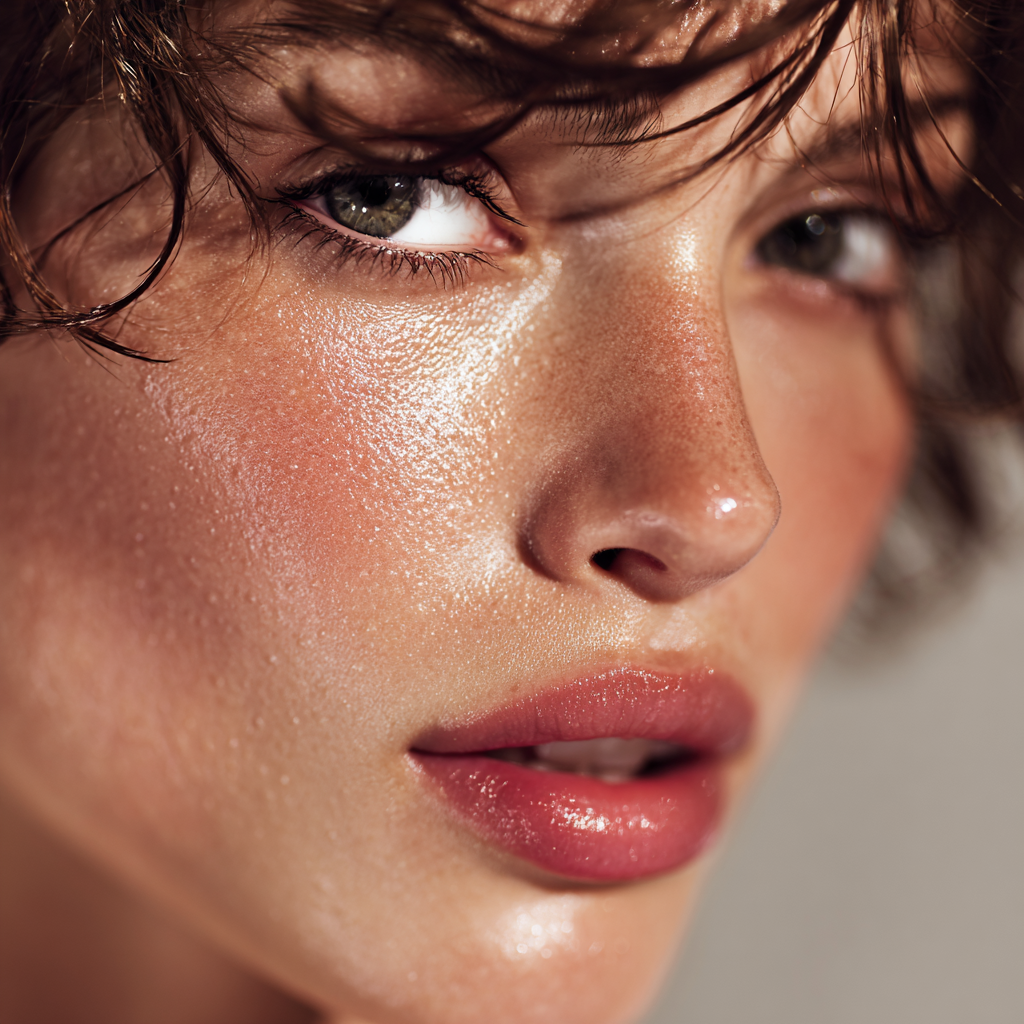
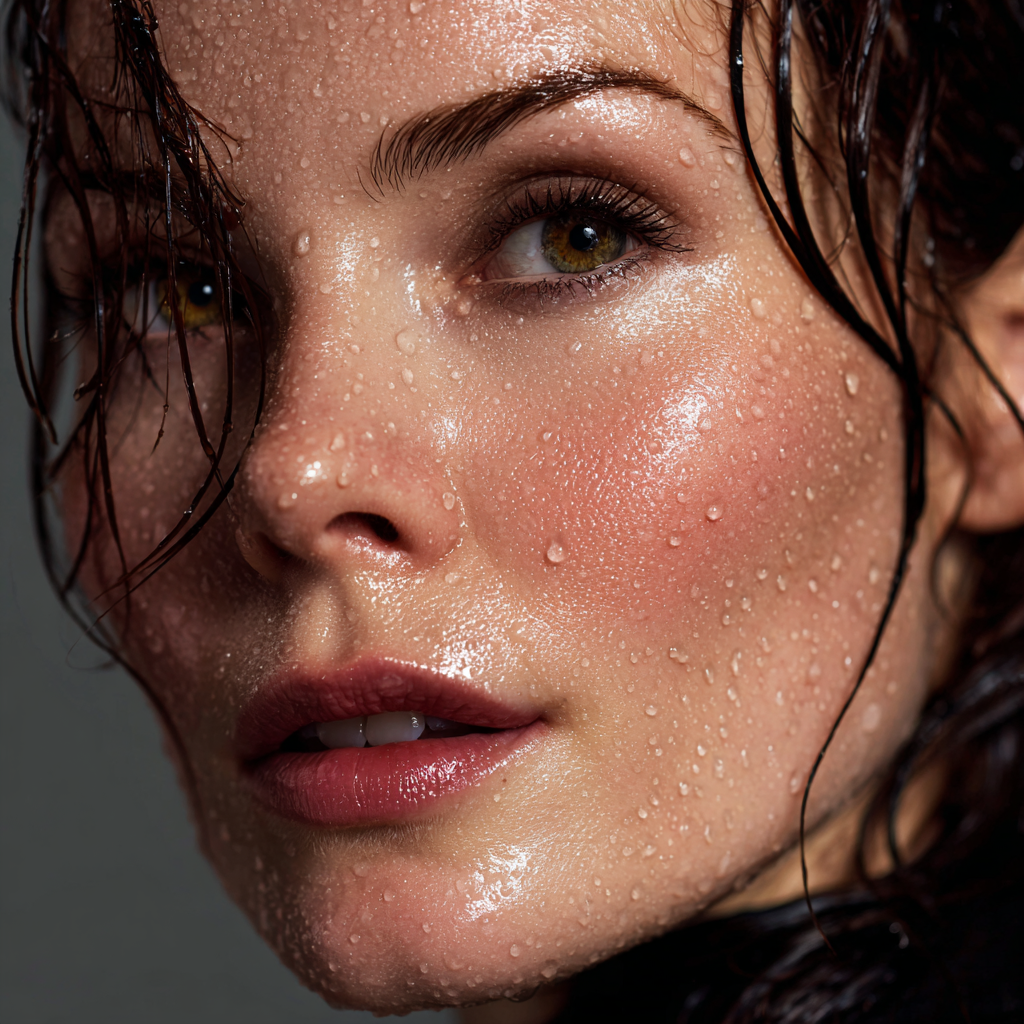
Controlling shine vs matte is tricky. MJ defaults to luminous, glowy skin for beauty portraits. Here’s what we tested:
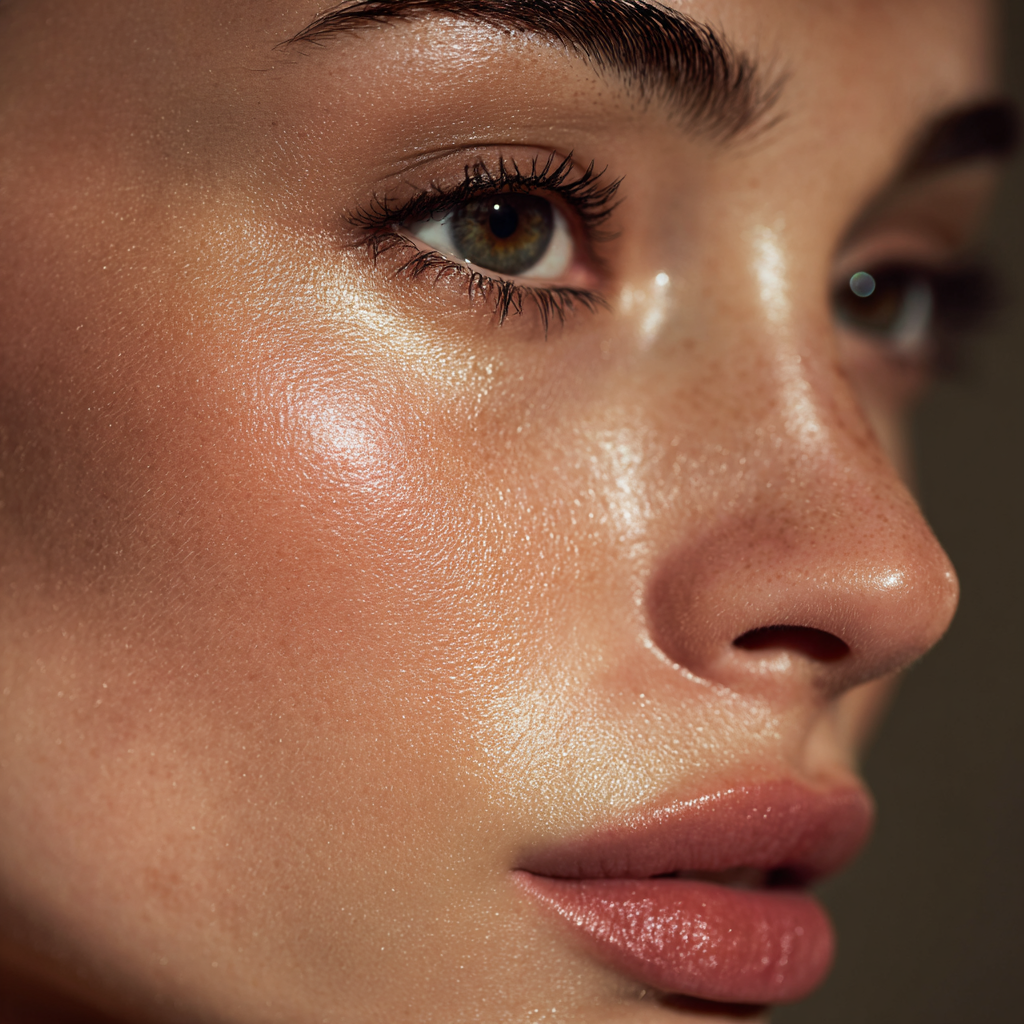
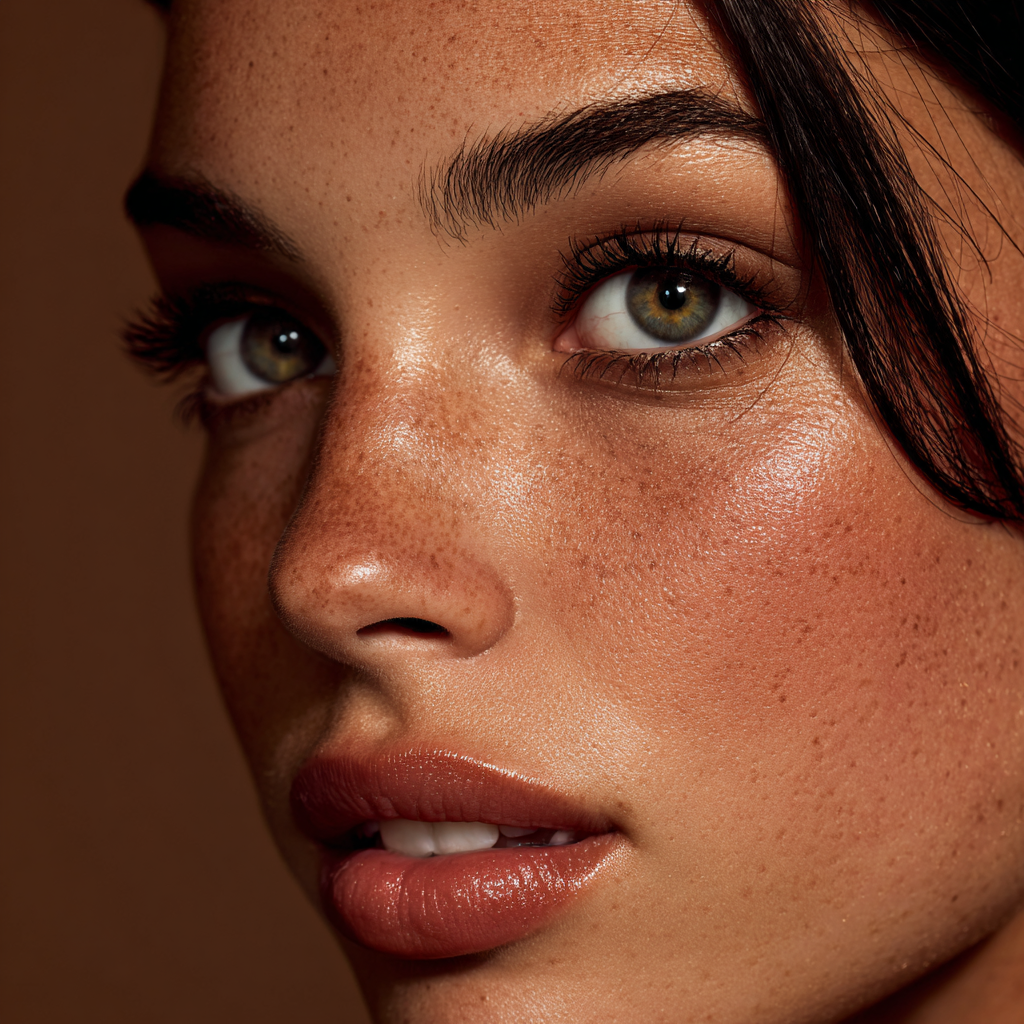
.png)
glass skin — Maximum shine, mirror-like, polished. K-beauty aesthetic.
dewy skin — Wet, hydrated, fresh. Skincare ad look.
wet-look skin — Athletic, editorial, water droplets. Perfect for Nike/Adidas sports campaigns.
oily skin — Greasy, T-zone shine, realistic. Raw portraits or anti-shine skincare ads.
matte finish — Weak. Reduces shine slightly but doesn’t eliminate it.
natural matte — Weak. Still produces shine and luminosity on cheekbones and nose.
MJ’s beauty portrait training heavily favors glowy skin. Shine tokens are strong, matte tokens are weak.
matte finish, no shine, no highlights, powdered skin, flat lighting
// Even then, results are inconsistent.
Shine Location Tokens
We tested adding location modifiers to control where shine appears:
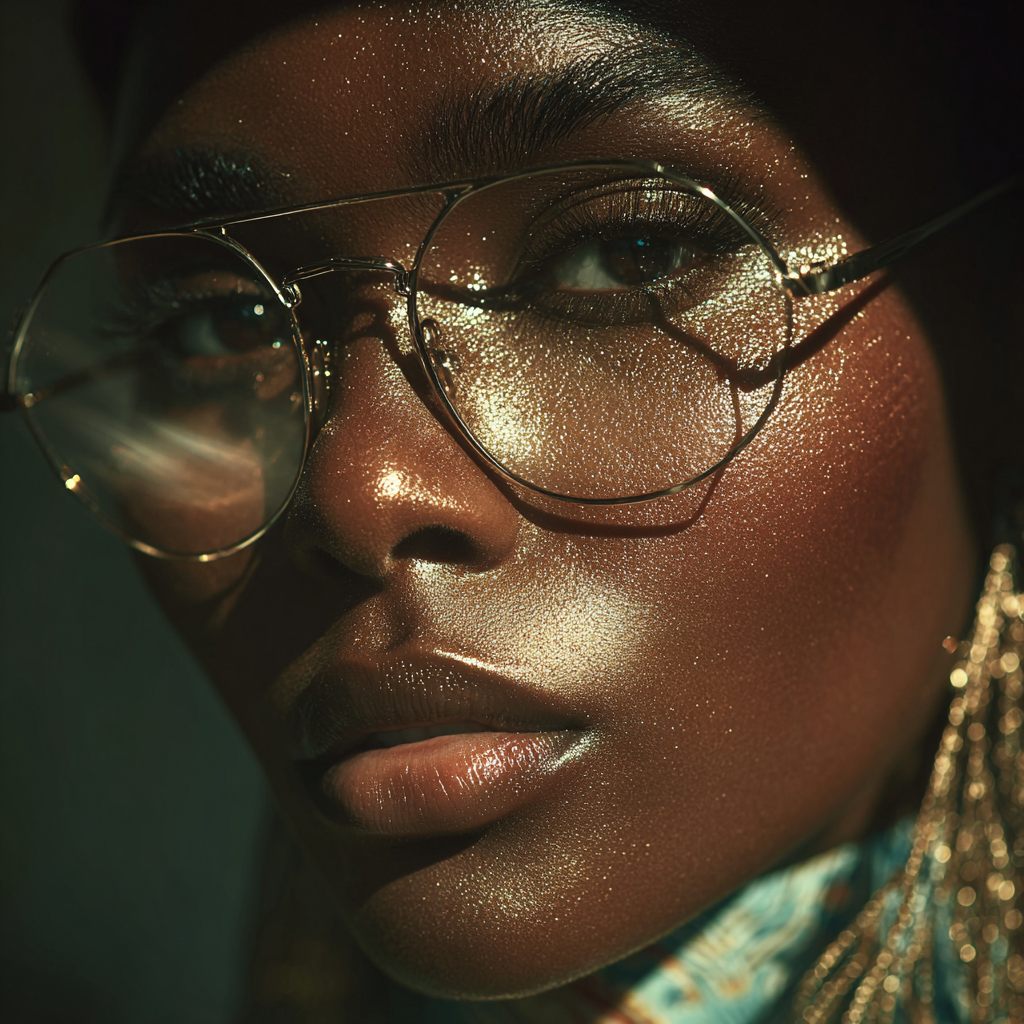
.png)

Location modifiers don’t work. MJ distributes shine naturally across the face regardless of where you specify. The words luminosity, glow, sheen, and highlights are interchangeable — they all just mean “add shine.”
Key Takeaways
MidJourney’s skin rendering is powerful but opinionated. Understanding which tokens work — and which ones MJ ignores — will save you time and prompt space.
Texture: Use visible pore texture — all texture tokens produce identical results.
Complexion: olive complexion, creamy skin tones, sun-kissed skin work reliably.
Finish: Shine tokens are strong (glass skin, dewy skin), matte tokens are weak.
Location modifiers: Don’t work. MJ distributes shine naturally regardless of where you specify.